Web Accessibility (a11y) Before & After: Colorblind & High Contrast Mode
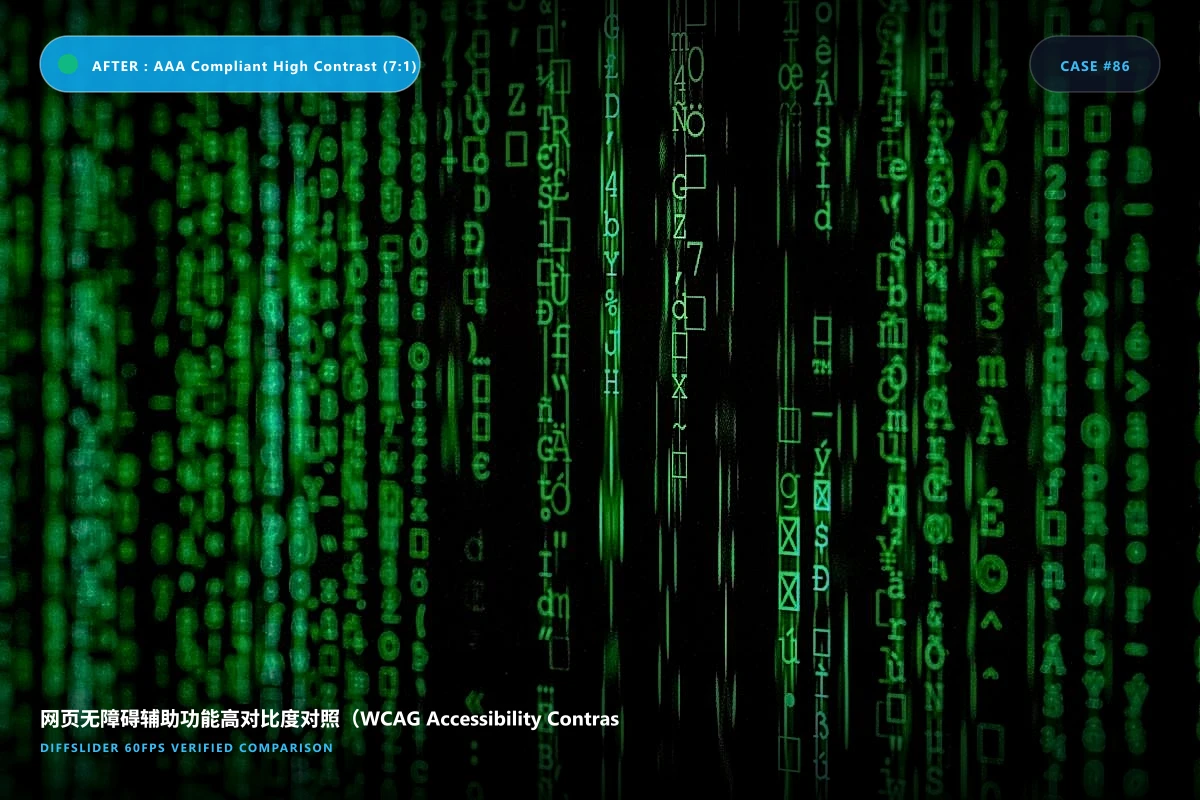
Slide from trendy low-contrast gray text to high-legibility, accessible interfaces for low-vision and colorblind users.
📋 Embed This 网页无障碍辅助功能高对比度对照(WCAG Accessibility Contrast) Slider on Your Website
Copy and paste into WordPress, Shopify, Webflow, Squarespace, or custom HTML.
Create your own 网页无障碍辅助功能高对比度对照(wcag accessibility contrast) comparison
Upload 2 to 10 images · Free permanent link · Embeddable anywhere
Why an interactive before & after slider wins for 网页无障碍辅助功能高对比度对照(WCAG Accessibility Contrast)
Slide from trendy low-contrast gray text to high-legibility, accessible interfaces for low-vision and colorblind users.
Side-by-side static comparisons make viewers look back and forth, losing subtle spatial shifts and texture changes. An interactive slider keeps both states aligned in identical coordinates, providing immediate visual verification.
Standardized photography & alignment protocol
图 1 为未优化的浅灰文字(如 `#999999` 叠在 `#ffffff`);
图 2 为加深为 `#222222` 并添加清晰下划线与图标状态提示;
配备色盲滤镜(红绿色盲、蓝黄色盲)模拟对照。
Clinical & Photography Pro Tips
- 图 1 为未优化的浅灰文字(如 `#999999` 叠在 `#ffffff`);
- 图 2 为加深为 `#222222` 并添加清晰下划线与图标状态提示;
- 配备色盲滤镜(红绿色盲、蓝黄色盲)模拟对照。
Frequently Asked Questions
Can government and university compliance officers review this?
Yes, it provides clear proof to legal compliance teams of Section 508 and ADA adherence.
Related photography & comparison guides
View all guides →More Tech & Digital Art use cases
Explore other industry applications
All 10+ use cases →Looking for alternatives to legacy comparison tools?
See how DiffSlider compares against legacy tools like imgsli · JuxtaposeJS · imgico