Tech & Digital Art 60 FPS Hardware Accelerated
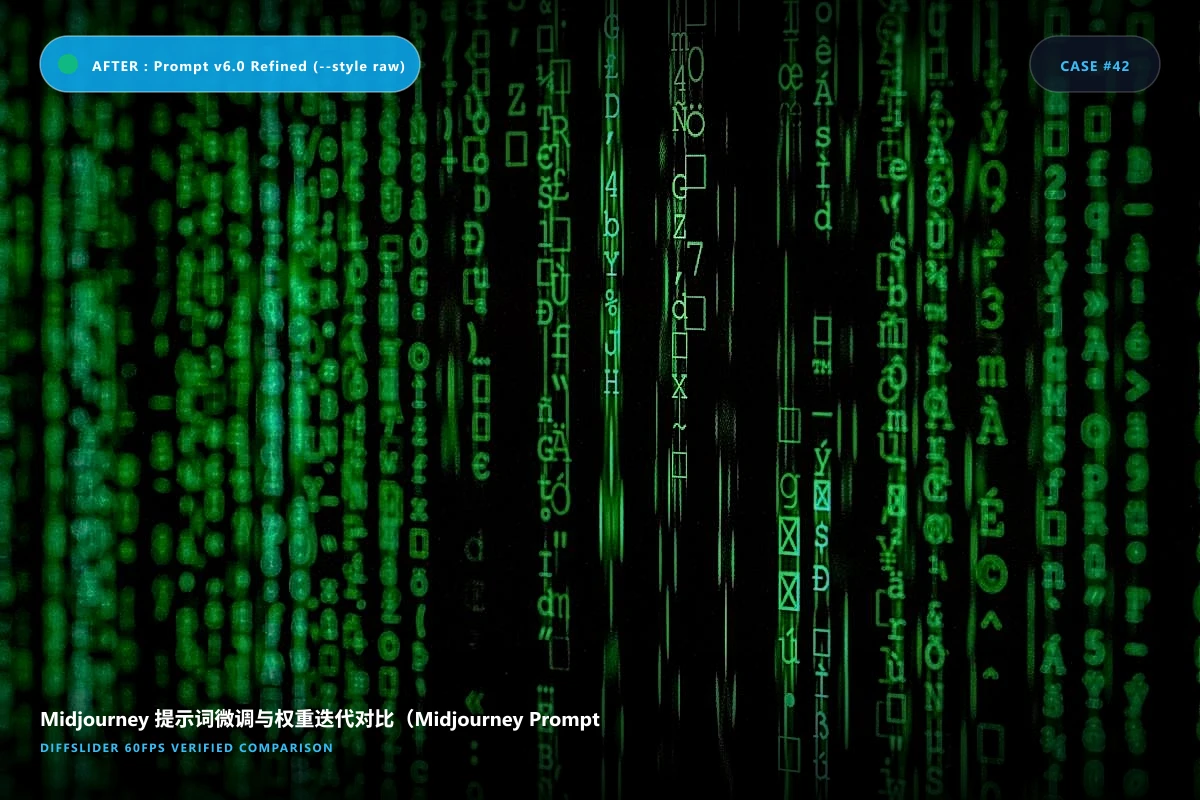
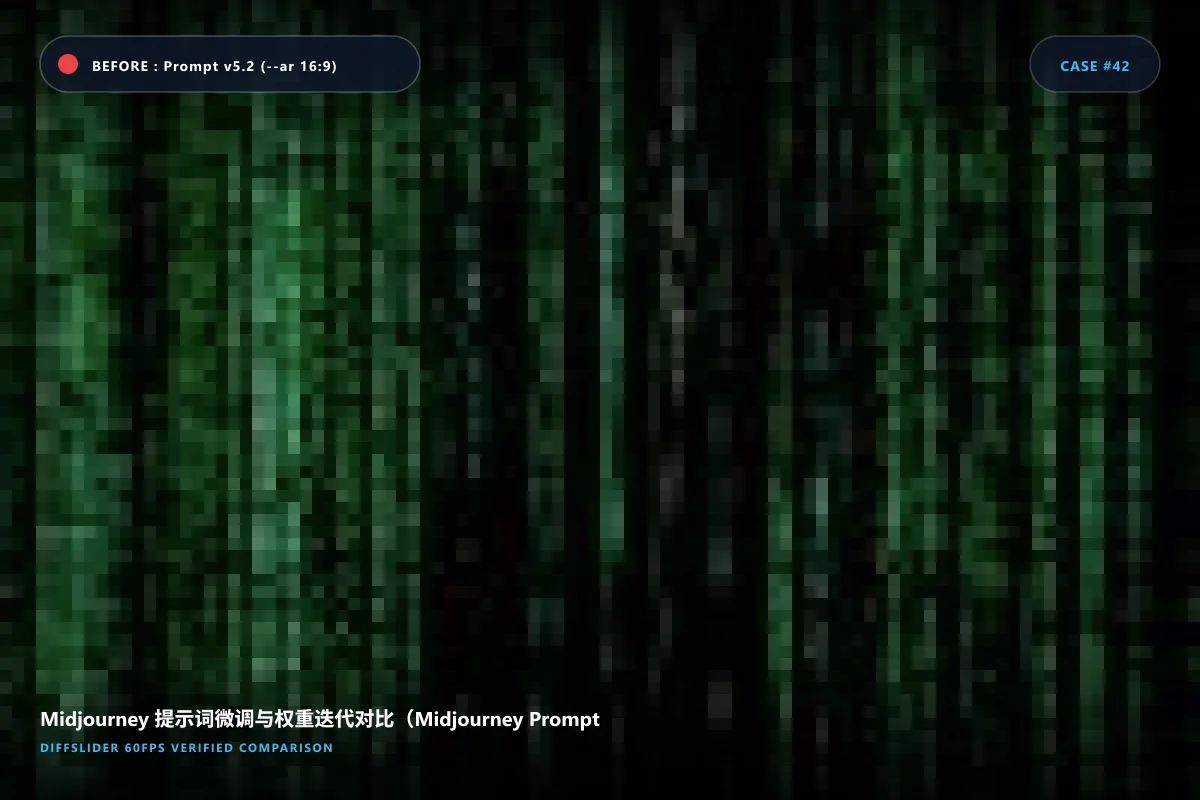
Midjourney Prompt Version Comparison: V5 vs V6 vs Niji Style
Inspect stylistic coherence, volumetric lighting shifts, and text rendering improvements across prompt tweaks.
Embed This Interactive Slider on Your Site
Works with WordPress, Webflow, Shopify, Squarespace, Ghost, Notion, and HTML websites.
<iframe src="https://diffslider.app/embed/demo-midjourney-prompt-iteration-comparison" width="100%" height="600" frameborder="0" allowfullscreen loading="lazy" style="border: 1px solid rgba(255,255,255,0.1); border-radius: 12px; overflow: hidden; max-width: 100%;"></iframe>
Customizing your embed:
-
?theme=light– Force clean white background -
?toolbar=0– Ultra-clean minimalist mode (slider only) -
?pos=65– Set default divider split position to 65% -
?mode=side– Default to side-by-side mode
Make Your Own
Create Your Own Before & After Comparison
Drag & drop 2 to 10 photos. No software to install, no watermark, 60 FPS mobile-ready.
- ✓ Free & no credit card required
- ✓ Up to 1600% synchronized pixel zoom
- ✓ Instant permanent link & embed snippet
Photography & Alignment Protocol
- 使用固定 Seed(`--seed 42`)保持种子画面构图一致;
- 仅更改单个变量(例如材质参数 `--stylize 250` 与 `--stylize 750`);
- 保留完整的 prompt 文本记录在对比作品标签中。
Frequently Asked Questions
Can I embed this into my AI Discord or Substack newsletter? ▼
Yes, share via one click or embed directly into web articles.