Tech & Digital Art 60 FPS Hardware Accelerated
AI Image Upscaling Quality Comparison: Topaz vs Real-ESRGAN vs Magnific
Evaluate hallucinated micro-details, eyelash sharpness, and artifact suppression across neural upscalers at 1600% zoom.
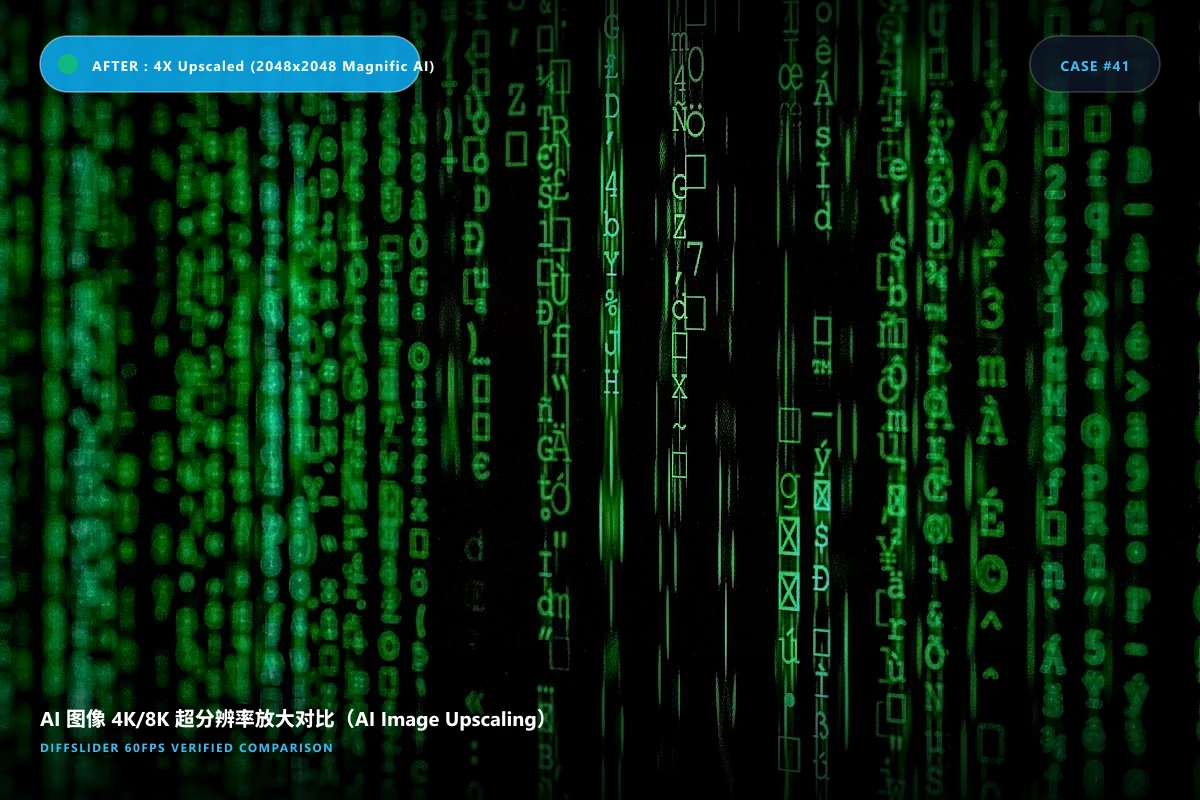
Embed This Interactive Slider on Your Site
Works with WordPress, Webflow, Shopify, Squarespace, Ghost, Notion, and HTML websites.
<iframe src="https://diffslider.app/embed/demo-ai-image-upscaling-quality-comparison" width="100%" height="600" frameborder="0" allowfullscreen loading="lazy" style="border: 1px solid rgba(255,255,255,0.1); border-radius: 12px; overflow: hidden; max-width: 100%;"></iframe>
Customizing your embed:
-
?theme=light– Force clean white background -
?toolbar=0– Ultra-clean minimalist mode (slider only) -
?pos=65– Set default divider split position to 65% -
?mode=side– Default to side-by-side mode
Make Your Own
Create Your Own Before & After Comparison
Drag & drop 2 to 10 photos. No software to install, no watermark, 60 FPS mobile-ready.
- ✓ Free & no credit card required
- ✓ Up to 1600% synchronized pixel zoom
- ✓ Instant permanent link & embed snippet
Photography & Alignment Protocol
- 将低分辨率图与放大图精确重采样至相同高分辨率画布(使用 Nearest Neighbor 插值放大原图以保留原始像素块);
- 在关键特征区域(眼睛、毛发、织物纹理)建立 1:1 像素级对其;
- 导出 PNG 无损格式,严禁使用 JPEG 重复压缩破坏高频噪点。
Frequently Asked Questions
Why is side-by-side bad for testing AI upscalers? ▼
Side-by-side doesn’t let your eye catch micro-hallucinations; a slider reveals line warping immediately as the edge crosses.
Can I pan around the image while zoomed in? ▼
Yes, our viewer features synchronous pan & zoom that locks both images together flawlessly.